
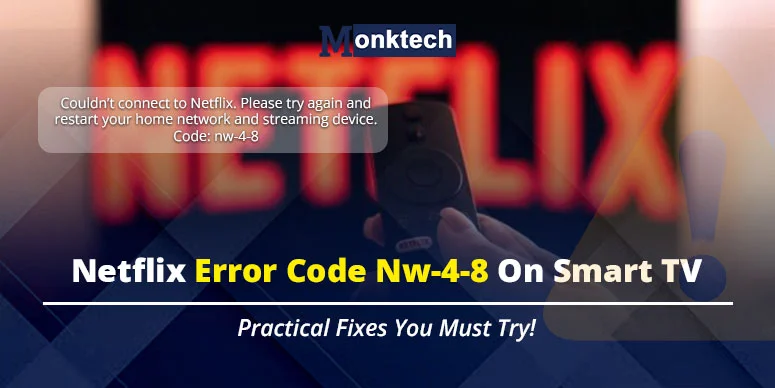
Suppose you’re watching your favorite show, and an error appears on your smart TV displaying: couldn’t connect to Netflix. Please try again and restart your home network and streaming device. Code: nw-4-8. This freezes your TV, and you have no option but to execute the steps to resolve it. Today, we will discuss the Netflix error nw-4-8 on smart TVs. We will find out why Netflix is not working.
What is netflix error nw-4-8 (how it looks)
The error is a stubborn notification on your TV screen, telling you connection failed. This means your TV and Netflix have a connection error. This means one of them has the issue.
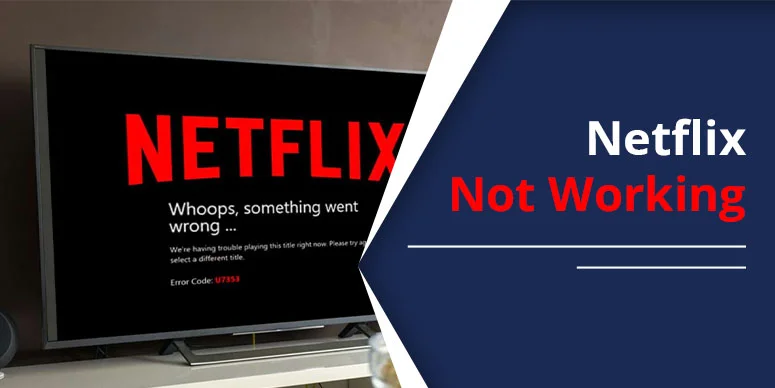
It’s a black screen with an error code NW-4-8 mentioned on TV screen. Your other content will fade away until you take action to resolve the error.
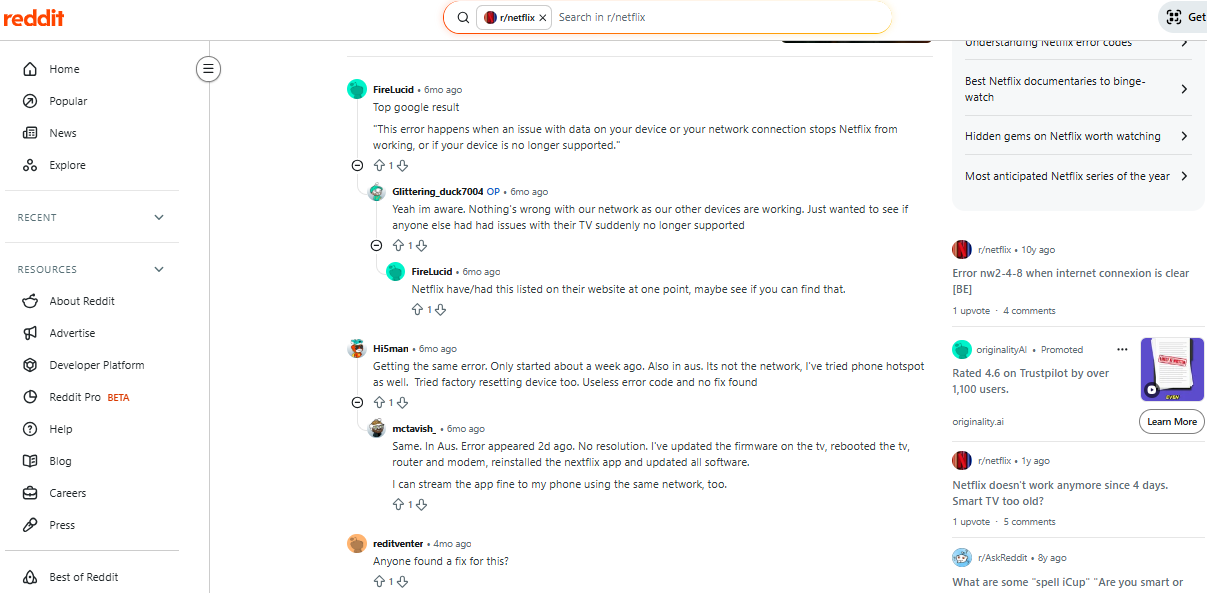
Here’s what users have to say about netflix error nw-4-8 on discussion platform:
A common connection error notification for Netflix on Smart TVs.
How to Fix Netflix Code NW-48
Some tried & tested steps are given here. You can follow them and see if that works to remove the Netflix error code nw-4-8.
Fix 1: Reinstall Netflix app:
If your Netflix app is not supported on the device (in your case, a smart tv), then it’s likely to face this. However, you can fix it just by reinstalling the app on your device. To do so,
- Visit TV’s settings
- Select Netflix app
- And tap reinstall
Note: This might ask you to delete the app first. Go ahead with that. You can reinstall it from your TV’s app store.
Fix 2: Check network connection:
You can directly switch your network to another one and try loading the Netflix app. Since NW 48 is commonly a disconnection between the device and the streaming service, there are higher chances you will regain Netflix afterwards.
To do so,
- Just visit the network icon on your smart TV
- Select the network other than your existing one.
- Run Netflix again and see if it’s working.
Fix 3: Restart your TV
You can simply switch your TV off for a minute or so. Restarting your device will help rebuild the connection, which may resolve nw error code. To do so, press the power icon using the remote. Or, you can just follow the steps on the TV screen under the settings or My device.
Fix 4: Turn off VPN or restore the default connection:
You need to turn your VPN off and then stream. Or, you can also try putting the connection back to the default. Afterwards, you can try streaming Netflix on your device. For a connection reset, connect with your device’s manufacturer via the support option.
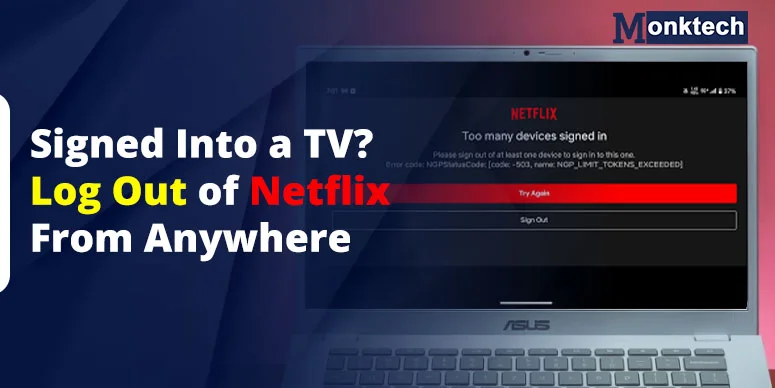
Fix 5: Sign out Netflix:
To remove NW-4-8 on Netflix, you can sign out of the app directly. You can do so easily by visiting the device’s help screen. To do so, select more details from the error screen. Press ‘Sign out’ or reset. This will successfully remove your account. You can sign in after some time.
To sign out remotely, press the following in a sequence: Up, Up, Down, Down, Left, Right, Left, Right, Up, Up, Up, Up.
When to Contact Netflix or LG Support
Contacting the Netflix support team should be your last resort when everything you’ve tried has failed to fix nw-4-8. So, you have multiple options for that. You can navigate the Netflix help center for the latest solutions. Or, choose other options like Live chat and phone support.
Frequently Asked Questions
1. How do I fix my Netflix NW code?
Keep your internet connection strong, device updated, and the Netflix app fully supported on the device. You can remove the change settings if needed to regain Netflix functionality.
2. Does restarting my modem fix nw-4-8?
If your internet is the real cause behind nw-4-8 error, working with it may help you fix the error.
3. How do I reconnect my Netflix to the internet?
Just find the network option on your smart tv, tap it, and select a new network to fix the error.
4. How do I reset my Netflix with a new internet connection?
First, you connect to the new network on your device. After that, select reload the Netflix app. Your Netflix will be reset with a new connection. Otherwise, perform DNS change settings.
5. Why is Netflix suddenly stopping?
Netflix stops working due to a sudden error blocking the streaming, for example, nw-4-8. In such a case, you need to take appropriate action – restart the device, reinstall the app, and change networks.